Free Download Manager - FDM
SoftDeluxe, Inc.
Downloads
5,000,000+
Source
Google Play
Click to download now, finish the installation quickly, and directly unlock the all-round experience
Screenshots
Click to download now, finish the installation quickly, and directly unlock the all-round experience
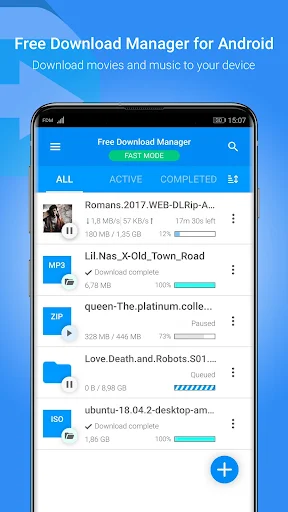
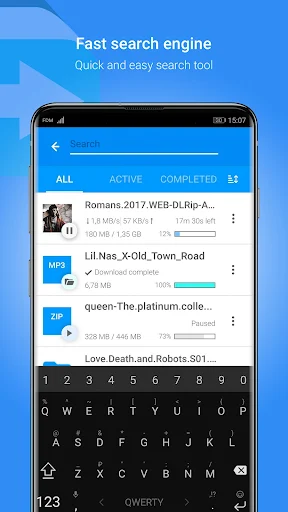
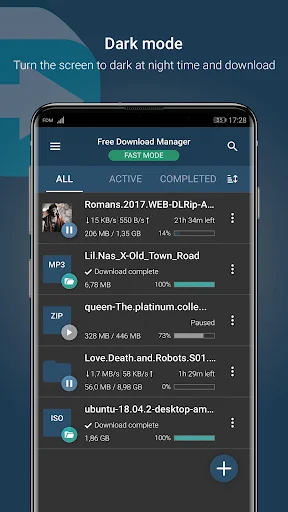
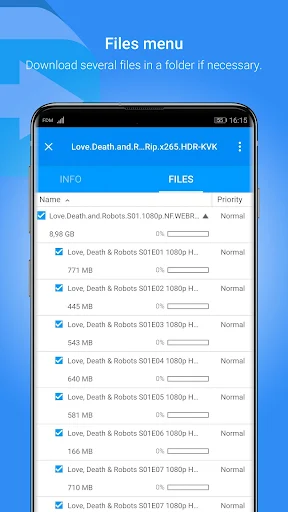
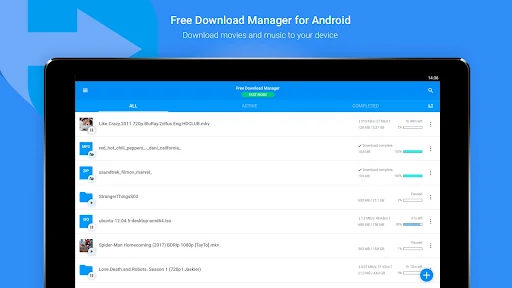
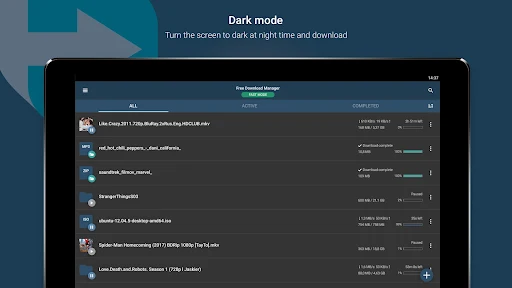
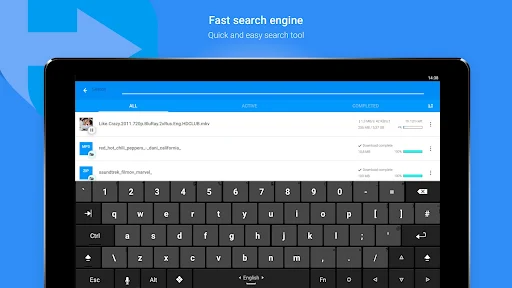
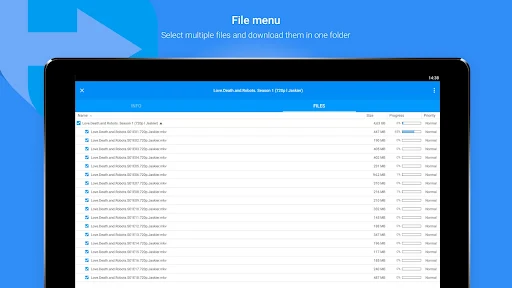
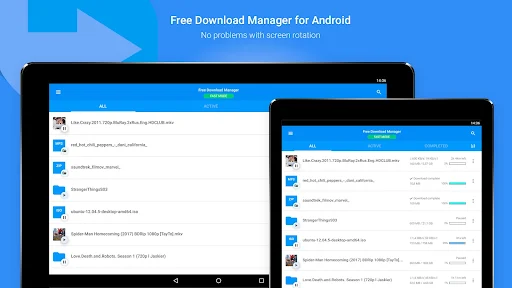
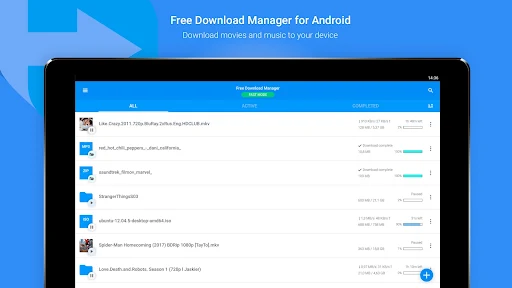
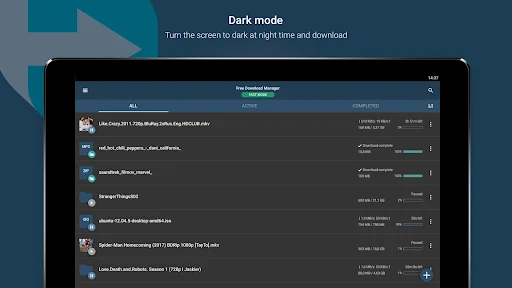
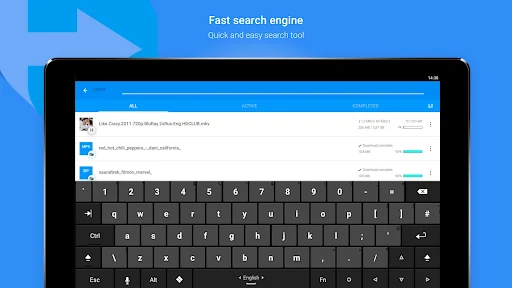
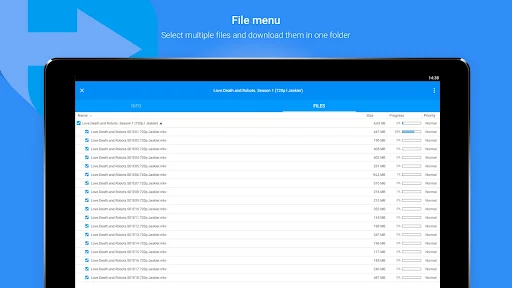
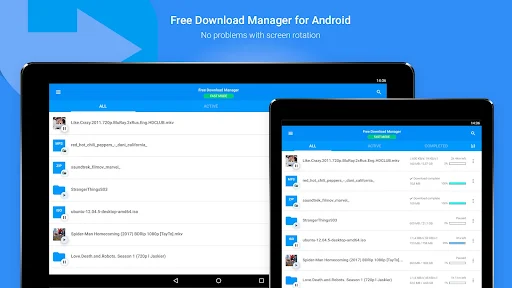
Free Download Manager (FDM) handles file downloads on Android, including large files and BitTorrent downloads through torrent files or magnet links. It suits people who often download several items, want to organise them, or need to pause and resume a transfer rather than start again after a break. You can set priorities for torrent downloads, schedule downloads, and choose to download only over Wi-Fi.
FDM can split a file into sections and download those sections at the same time. That may help manage a transfer, but it does not make the downloaded file take up less space: the file still needs room on your device when complete. If you queue several large items, check your available storage first. The app can sort downloads into folders by file type, which may make them easier to find later.
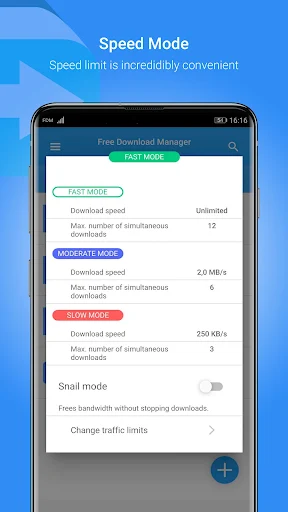
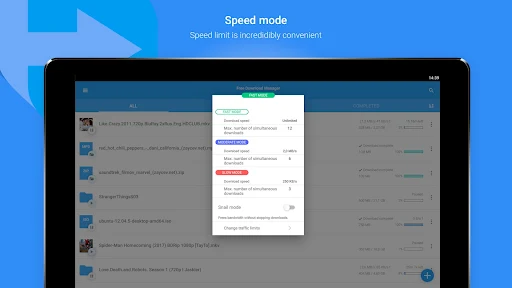
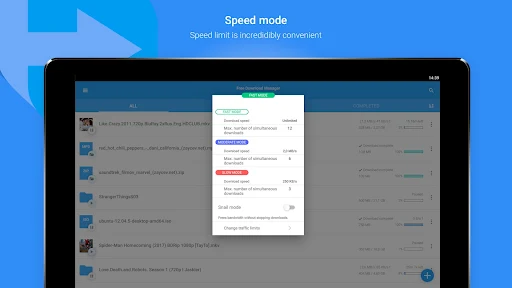
There are controls for limiting how much network traffic downloads use, useful if you want to leave capacity for other browsing. Resume support can continue some interrupted downloads, though it depends on the link still being available. The supplied information says YouTube downloads are not supported.
FDM needs network access to fetch files and permission to add, change, or delete files on the device so it can save and manage downloads. That is central to what it does, but it means downloaded files can occupy storage until you remove them. No minimum Android version or app size is provided here, so there is not enough information to judge compatibility or the initial space needed.
SoftDeluxe, Inc. publishes FDM in the Tools category. It has more than 5 million installs and a 4.74 average rating from about 58,600 ratings. Those figures suggest a widely used download manager, but they do not guarantee that every download source or file will work.