AirDroid Cast-screen mirroring
SAND STUDIO
Downloads
5,000,000+
Source
Google Play
Click to download now, finish the installation quickly, and directly unlock the all-round experience
Screenshots
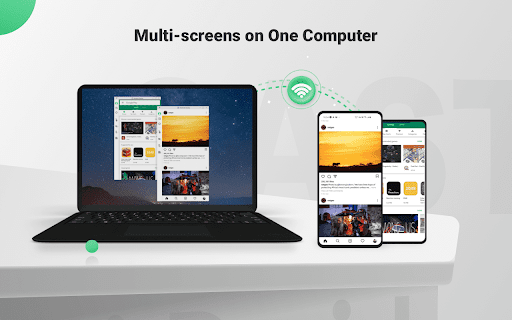
Click to download now, finish the installation quickly, and directly unlock the all-round experience
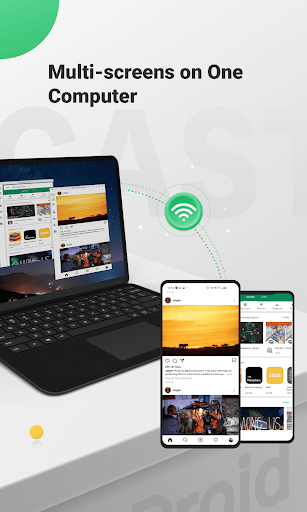
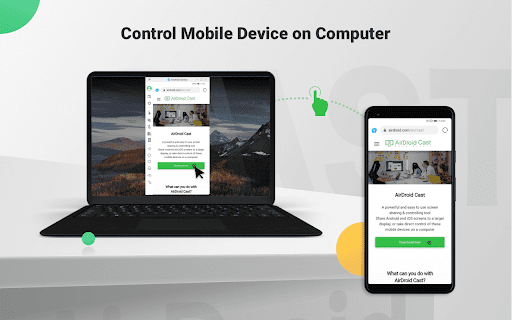
AirDroid Cast mirrors an Android phone or tablet to a Windows or macOS computer. It is for people who need to present something on a larger screen, share a mobile screen in a remote meeting, or see and operate their phone from a computer. The computer needs AirDroid Cast too; this is not a way to mirror your screen to another phone by itself.
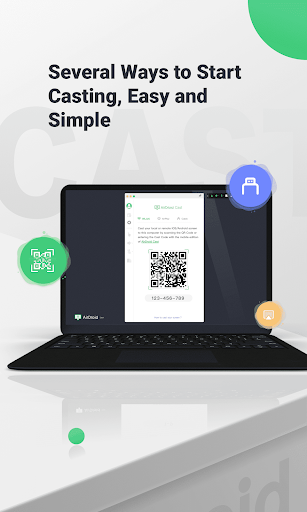
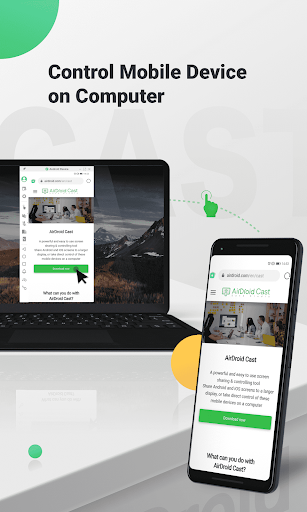
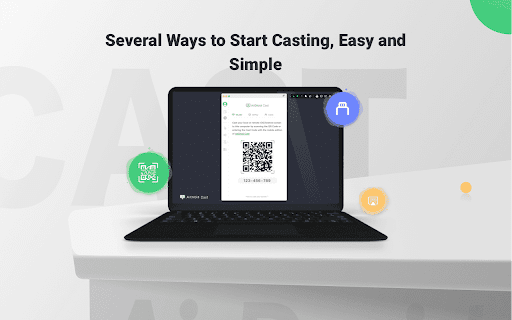
You can connect by scanning a QR code, entering a cast code or using a USB cable. The app can send screen audio as well as the picture, and supports two-way audio for talking with meeting participants. If you want to click, scroll or type on the phone from the computer, that control is part of the desktop-connected setup.
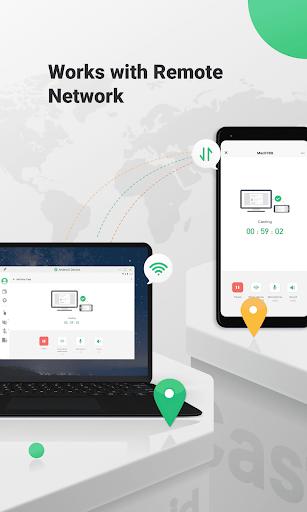
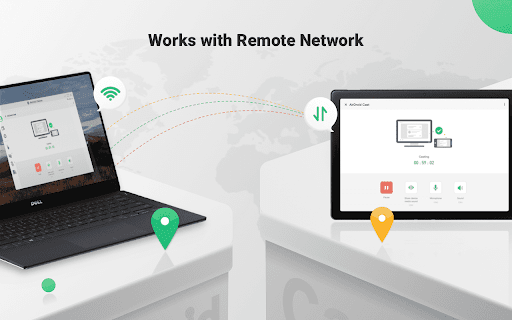
Local-network use is supported. Connecting across a remote network requires Premium, so check that distinction if the phone and computer will be in different places. A computer can show as many as five device screens at once, which is more relevant to group meetings than everyday solo use.
This app is mainly useful while you are actively casting. It will not do much for someone who only wants to watch videos or share files on the handset. A larger screen can make a presentation easier to follow, but casting depends on having a compatible computer available and a working connection between the devices. For a quick session, QR or code pairing avoids connecting a cable; USB is another option.
AirDroid Cast-screen mirroring is a Tools app from SAND STUDIO. Its store listing shows a 4.0 average rating from 18,915 ratings and more than 5 million installs. Those figures suggest broad use, but they do not tell you whether your computer setup or network will suit your particular session.